
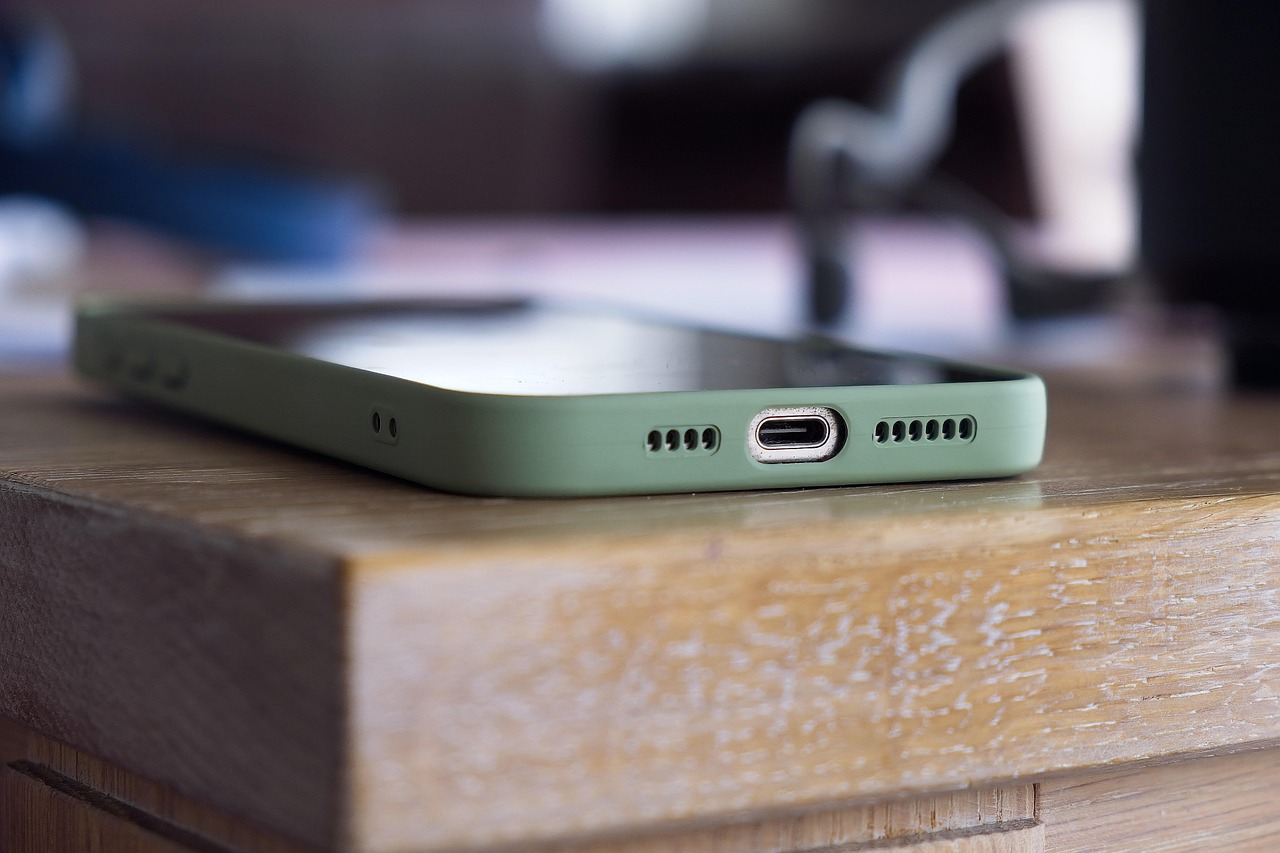
We are all facing problems while we are transferring the data from our Android to IPHONE. Now we are going to know We are all facing problems while we are transferring the data from our Android to IPHONE. Now we are going to know How To Transfer Your Data From Android To IPhone
Apple has launched its new IPHONE 16 Series to the market. The iPhone 16 has a larger screen and has some new buttons, and it contains powerful A18 chips. Now a days many Android users are showing interest to buy IPhones. But One Big problem they will get is transferring data . Now Apple offers a app called “MOVE TO IOS” App, this apps helps users to wirelessly transfers their data like photos, files, messages, and more . Now we are going to look how to do this method step by step.
BEFORE DOING THIS METHOD WE NEED TO FOLLOW SOME STEPS
- You need to ensure that our Android device is connected to WI-FI and your mobile needs to be in an updated version of Android. Make sure same with your new iPhone version of IOS.
- Make sure that your new iphone device have enough storage to store the data from android
- Keep both devices plugged into power while doing this data transfer
Once your device is ready for data transfer follow below steps:
- On your Android device, go to Google Play Store and search for “MOVE TO IOS” Application. And Download and install it.
- Turn on new iphone and reach “APPS AND DATA” option and you need to select move data from android Option on your iphone.
- Now, on your android device open the app called “MOVE TO IOS” App and click on continue.
- Make sure ur both android and Iphone devices connected to power and make sure they are nearer each other.
- Now, your Iphone will get a OTP code , Enter this code on your android device.
- Then Your Iphone will create a temporary WI-FI network. Connect this network from your android device when it is prompted and wait for thr transfer screen to appear.
- In next step on your android device you will get a list of transfer file types like photos,videos and now select the items u need to transfer it from android device.
- Then tap on begin transfer process, this will take some time depending on your files size it will take some time and later it will sucessfully transfer data from android to IPhone